











Complete CNC Design &
Toolpath Software
Built around real-world making, Carveco gives you an approachable place to start and the power to scale. From one-off projects to repeat production, its design and CNC tools grow with your skills, your workload and your business

1. Design Your Project
Craft unique designs from scratch or with imported 3D models, bitmaps, and vectors. Combine elements freely with no restrictions on model complexity or bed size.
2. Plan Your Toolpaths
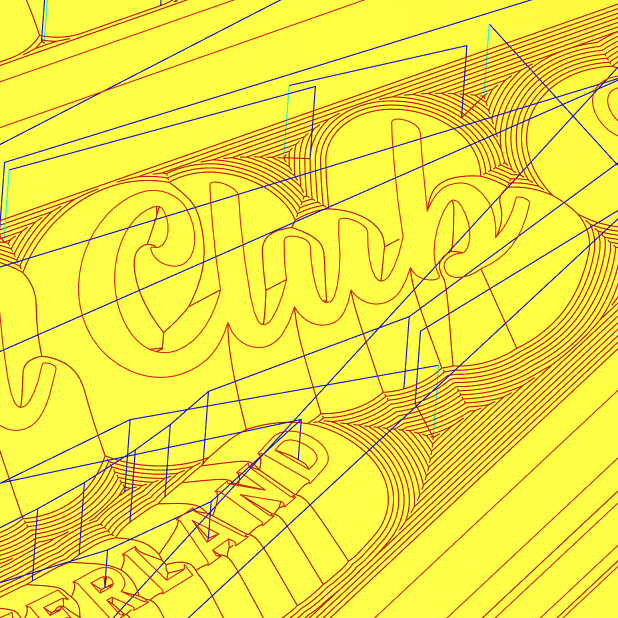
Select the best machining strategy for your design. Choose a tool, set your toolpath, fine-tune feeds and speeds, and view the results in a detailed machining simulation before cutting.

3. Machine It!
Alongside standard G-code – Carveco has direct support for over 300 CNC machines and controllers. Load your toolpaths, set up your CNC material and press go to start machining.


Carveco Maker Plus takes your CNC work further with powerful 3D design and production-focused machining tools.
Create and refine detailed reliefs, nest parts to reduce material waste and streamline repeat jobs with greater toolpath control — all in one flexible package built to increase the range and scale of what you make.
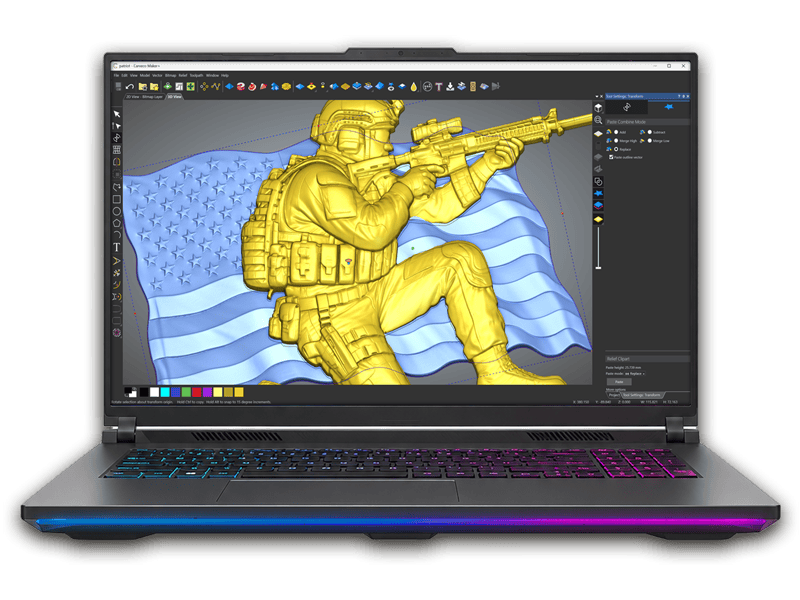

Carveco Pro gives demanding creative professionals the power to sculpt intricate designs and manufacture exceptional pieces.
Push ideas further with advanced 3D relief design, precision sculpting, distinctive security and optical effects, manufacturing analysis tools and sophisticated machining strategies — giving you the freedom and control to take complex projects from concept through to production.

AI Generated Relief Models in Seconds.
Carveco’s AI Design Tools turn a design, photo, sketch, or simply a text description into a machinable 3D relief model you can take straight to your CNC, export or incorporate into your existing projects.
Carveco AI Tools are available with all Carveco Subscriptions.
Free 30-Day Trial On Subscription
No ‘example’ files here.
Put Carveco through a proper real-world test with the projects you actually want to design and cut.
Create or import your own designs, play with the AI tools, generate and save your own toolpaths, simulate your machining and see how Carveco fits your workflow before committing.
Compare Carveco Features
Not sure which Carveco product is right for you? Compare Maker, Maker Plus and Pro side by side to see how the design, 3D modelling and CNC machining tools grow across the range.
Choose the level that fits your needs today, with a clear path to scale as your projects become more ambitious or your business grows.
Created by Makers. Trusted by Pro’s
Latest News From Carveco

Making a wavy flag on your CNC
Creating natural looking wave effects (and other organic shapes) has traditionally been a bit of a headache for the vast majority [...]
Carveco V1.11 – Release Notes
Enhancements: The Twiddle View and Marquee Zoom tools are now available on the View menu in Carveco Maker and Carveco Maker Plus. Fixes The [...]
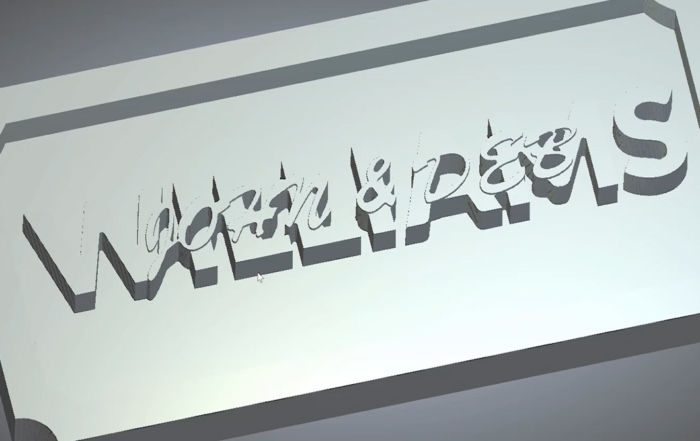
Making stacked text signs on your CNC
Stacked text (as the name suggests...) is the process of layering two bits of text on top of each other. [...]

V-bit Carve a photo in Carveco Maker
In this Carveco Maker tutorial we will show you how to V-Carve photographs to create a visually stunning effect with [...]
Introducing Carveco Maker
Whether you’re a weekend hobbyist, setting up a new business, or entirely new to working with a CNC router or [...]

Merging Vectors
This tutorial will show you how to Merge vectors, a very useful tool which automates the trimming of overlapping vectors [...]
Carveco on Instagram


