






From Idea to 3D relief model in seconds –
AI Design Tools are now available!
Available in all Carveco subscription products:



Meet Fidelity and Forge
Two powerful new Ai models designed to simplify
and supercharge your 3D workflow
Our first generation of AI tools proved just how much makers and manufacturers wanted this — thousands of relief models generated and machined by our community. Fidelity and Forge take that foundation further: sharper accuracy, more creative range, and results that need far less manual clean-up.
Fidelity 1.0
Faithful 3D Relief Generation
Reproduces your source accurately, preserving proportions, geometry and spatial relationships.
Best for high-quality photographs and standalone artwork, where staying true to the original is what matters most — portraits, product shots, clean line art, anything where accuracy is the brief.
Forge 1.0
Interpretive 3D Relief Generation
Reinterprets and enhances your source as a sculpted form, adding depth and shape where the original doesn’t give the AI much to work with.
Best for lower-quality photographs, paintings and sketches — where a convincing, sculptural relief matters more than staying literal to the source.
Meet Fidelity and Forge
Carveco’s AI tools can start from almost anything — a professional photograph, a faded print, a blurry snap or a two-minute sketch. What changes is how far the AI has to go to get you a finished relief.
Here’s what that looks like across a few real starting points…
From a faded memory to something you can touch…
A photo like this — creased, torn, and faded with decades of handling — is exactly the kind of rough starting point Carveco’s AI is built for. It doesn’t need to be restored, retouched or cleaned up by hand first; the AI works from what’s actually there in the image, damage included.
That’s the real value for anyone working from old family photographs, scanned newspaper clippings, or any source that’s seen better days: no separate restoration step, no specialist software — just a source image and a result that’s ready to carve.

This creased, decades-old photograph is exactly the kind of rough starting point Carveco’s AI is built to handle. Folds, tears, and fading are all still visible — nothing has been cleaned up or restored beforehand.

Fidelity generates a 3D relief directly from the photo, automatically resolving every crease, tear, and fold along the way. The result is a clean, continuous surface with no trace of the original print’s damage, ready for the CNC.

Here, the original photograph is superimposed onto the finished 3D relief, which can be freely rotated to inspect from any angle. The overlay makes it easy to see just how faithfully Fidelity preserved the fine detail from the source image.
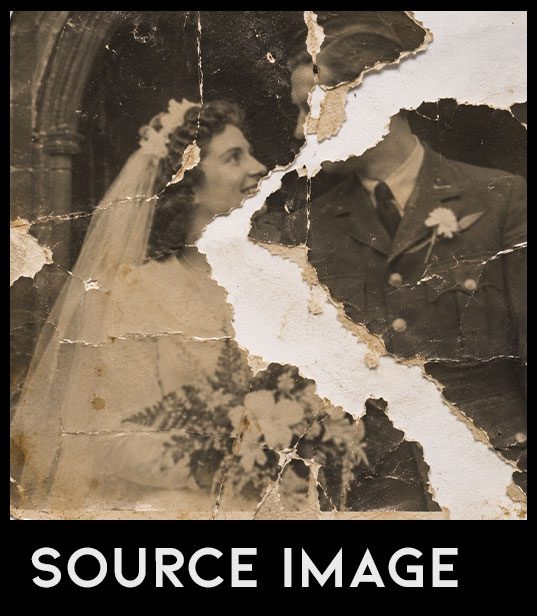
A section of this photo has torn away completely — not just damage, but missing information.

Fidelity carries that same gap through rather than inventing what’s missing.

Forge analyses and rebuilds the missing section, producing a complete portrait.
Built for the photos in your camera roll, not just a photo studio…
This photo was taken at night, with rainbow lens flare streaking straight across the frame and colourful market lighting fighting for attention behind it. It’s representative of the kind of photo most people actually have: not a studio portrait, but a candid shot taken on a phone, flaws and all.
That’s what makes Carveco’s new AI workflow useful in practice, not just impressive in principle — turning a photo like this into a relief takes minutes rather than hours of manual cleanup or relief modelling, which makes the design of personalised gifts and products cost-effective for your growing business.
Your customers’ photos are rarely studio-quality, and a difficult source has traditionally meant turning the commission away, charging a premium for manual editing, or settling for a lesser result. Carveco’s AI tools remove that bottleneck — a commission built around an imperfect photo becomes as viable as one built around a perfect one.


Fidelity takes the same photo and works with exactly what’s there — flare, glare and all — rather than smoothing past it. Where the light interferes, it does its best to read through the noise; where the source is clear, the detail comes through with real precision.

Where the lens flare obscures the source, Forge doesn’t just paper over the gap — it reads what’s actually there, recognising a person, a crowd, string lights, and rebuilding the scene accordingly. The result is a coherent relief built by understanding the photo.

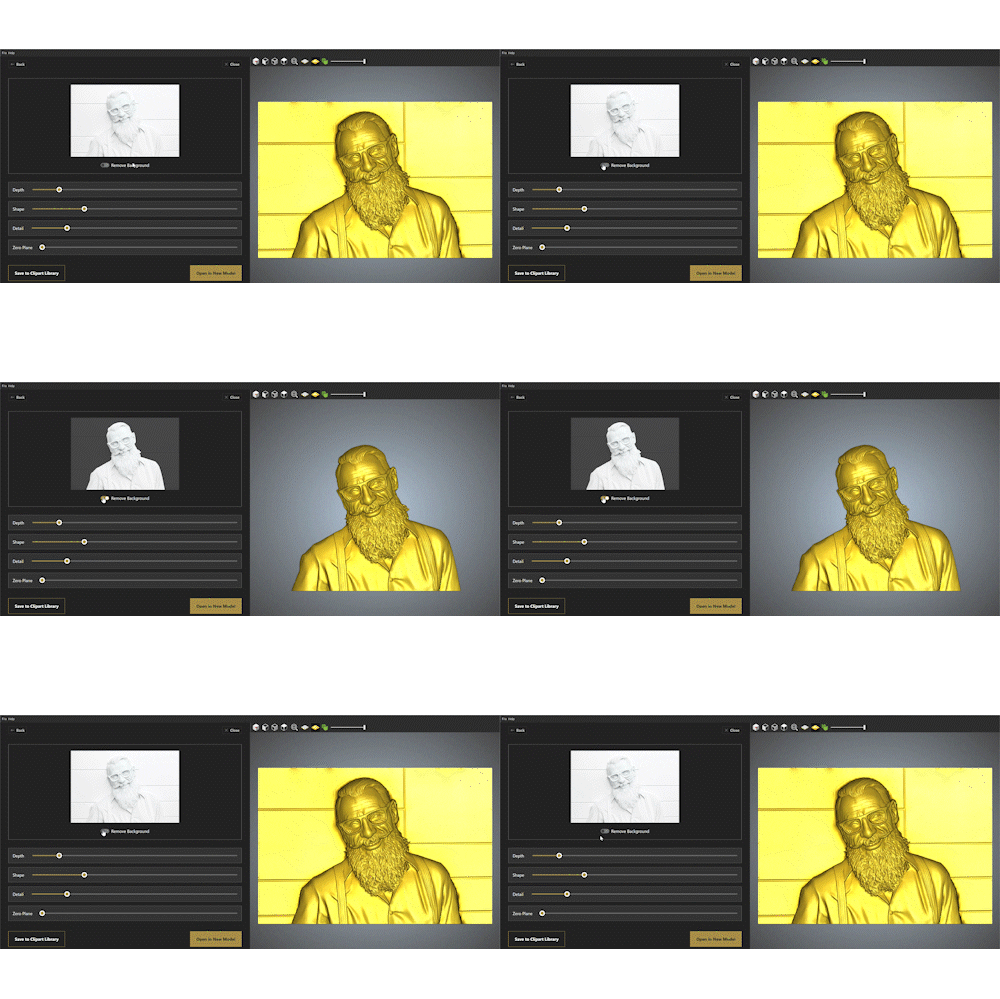
A single switch — Remove Background — isolates the subject from a cluttered scene instantly, with no manual masking or cropping required. What would otherwise be a fiddly, time-consuming edit becomes a one-click step in the same workflow.
From fine art to crayon – Forge takes it further…
Carveco AI doesn’t need a finished drawing to work with…
Choose Fidelity, and it sticks closely to exactly what’s on the page — proportions, linework, and shading all carried through with subtle adaptations to enhance your work in a 3D form.
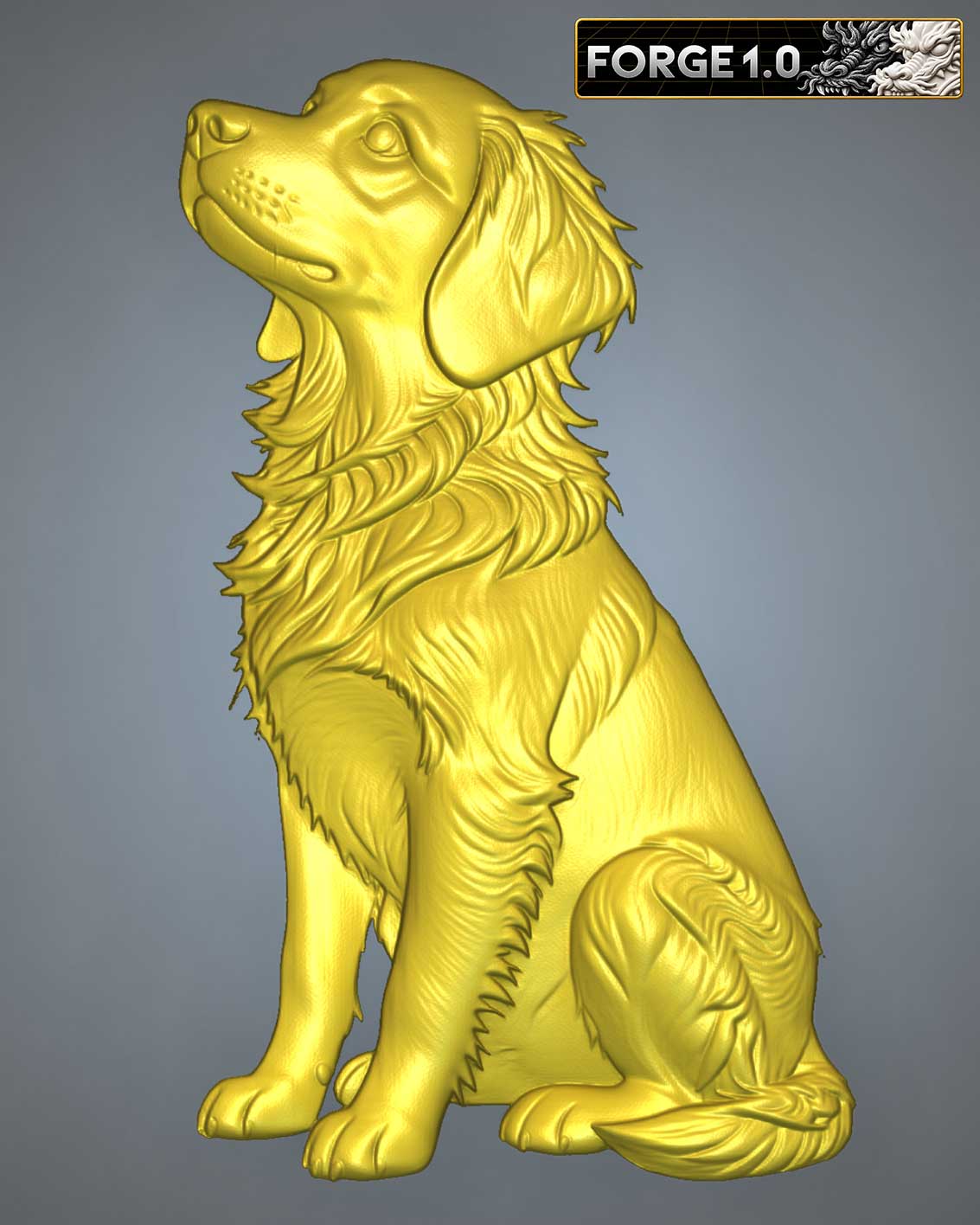
Choose Forge instead, and it takes creative licence with the source — generating surface texture, rounding out proportions, and building a fully sculpted character the sketch only hinted at.


A carefully shaded pencil drawing, with fur direction, proportion and form already worked out by hand — a well-developed sketch with plenty for Forge to build on.
Forge honours the work already done, turning hand-drawn shading and fur direction into a fully dimensional coat. The result stays true to the artist’s original intent, just given real 3D form.
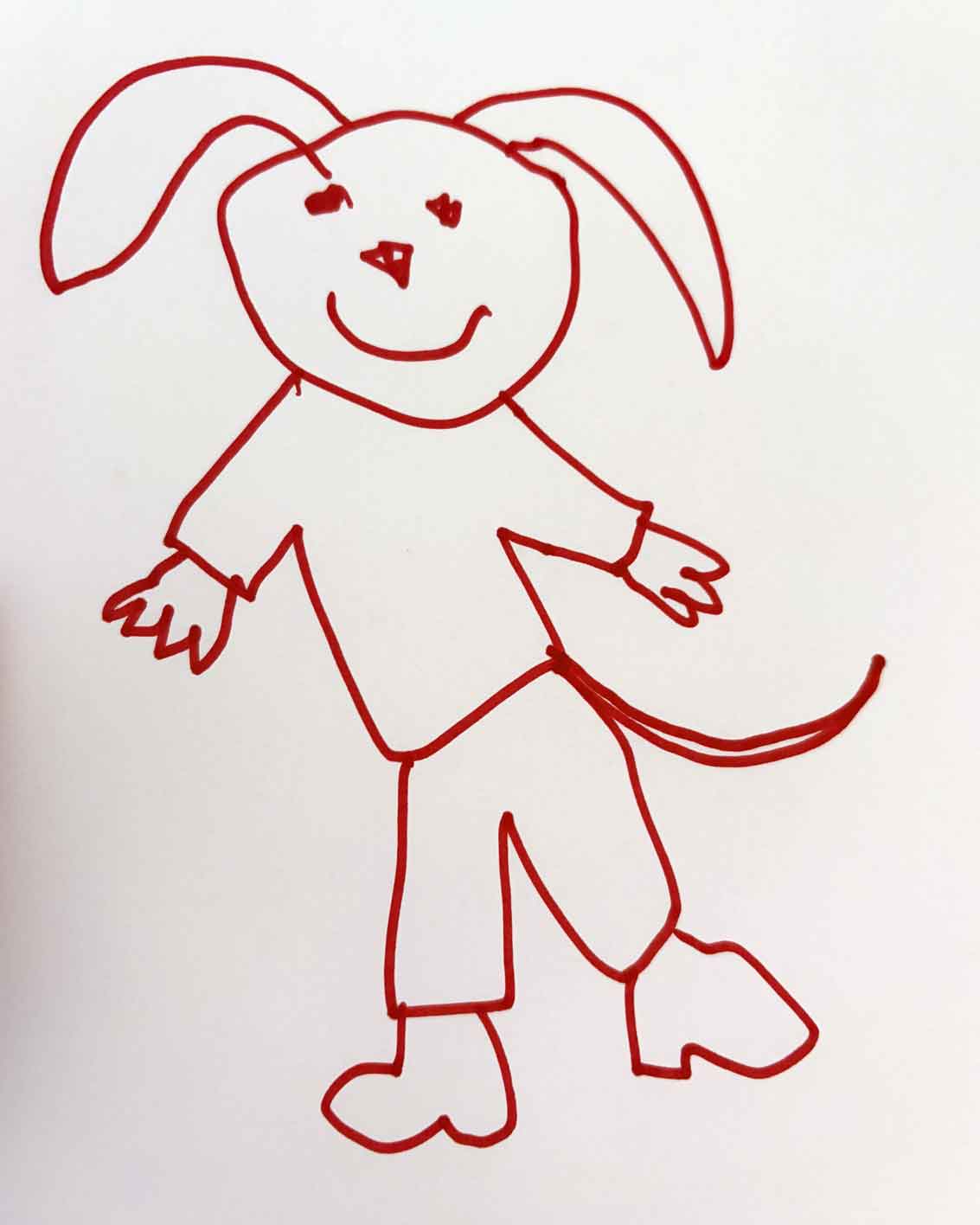
Every fridge has one of these somewhere — a proud, wonky, much-loved doodle. No shading, no real proportion (and a few extra fingers), just a child’s enthusiasm on paper…
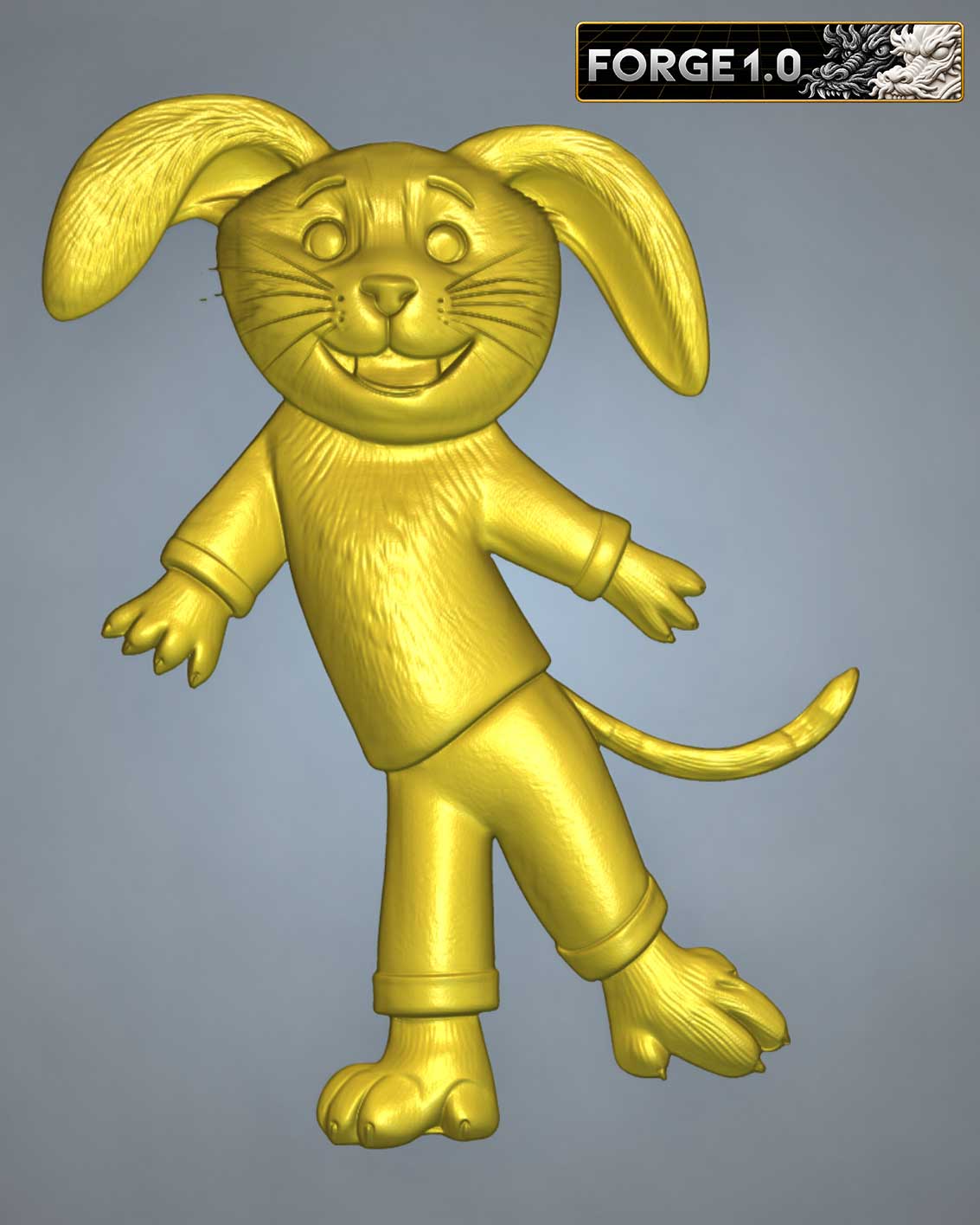
Forge imagines the rest: fur, clothing folds, and a fully sculpted, expressive 3D character. A rough doodle comes back as a fully realised relief that’s ready to carveco or 3D print.
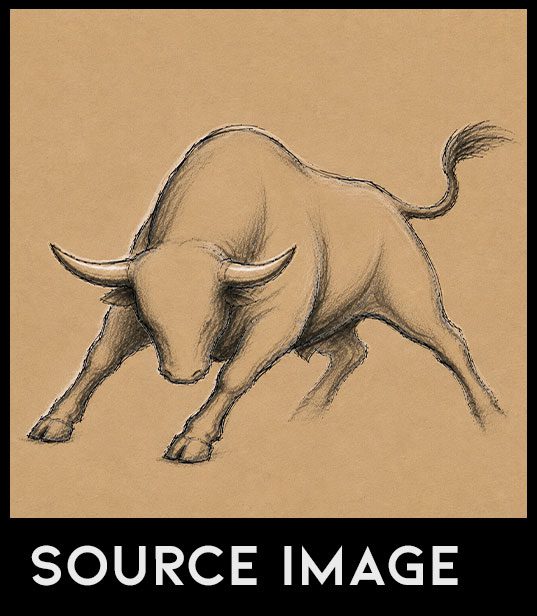
A confident charcoal sketch, already carrying real shading, muscle definition and a dynamic, mid-charge pose — the kind of detailed groundwork a skilled hand puts down before a piece is finished.
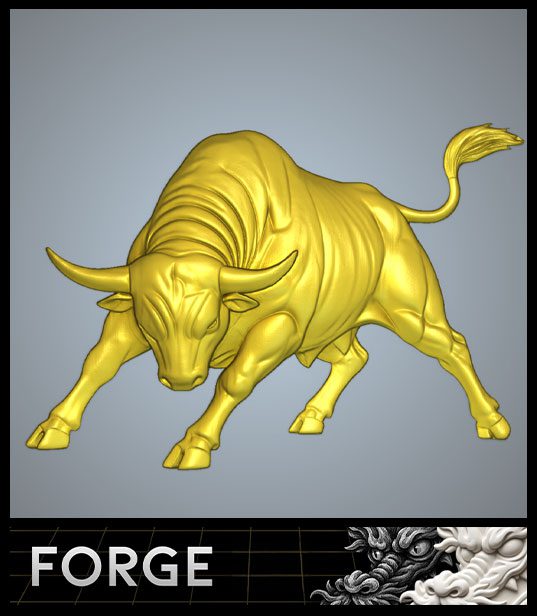
Forge builds directly on that groundwork, turning the sketch’s own shading and form into genuine depth. The energy of the pose carries straight through into a fully sculpted, carve-ready relief.
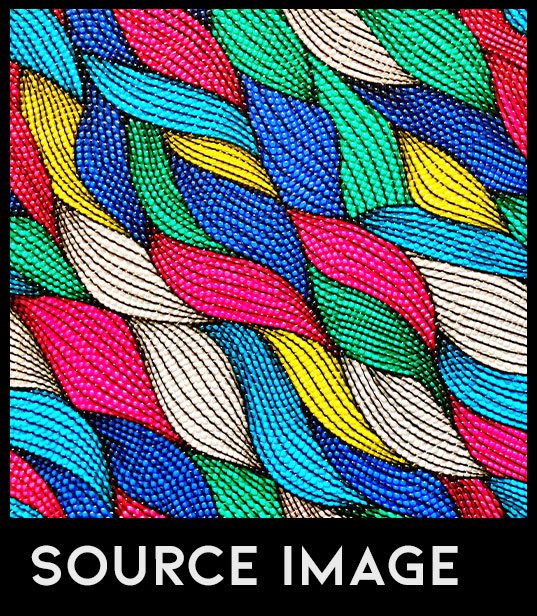
A flat, repeating woven pattern — bold colour and intricate linework, but no depth of its own. The kind of decorative artwork more often printed than carved.
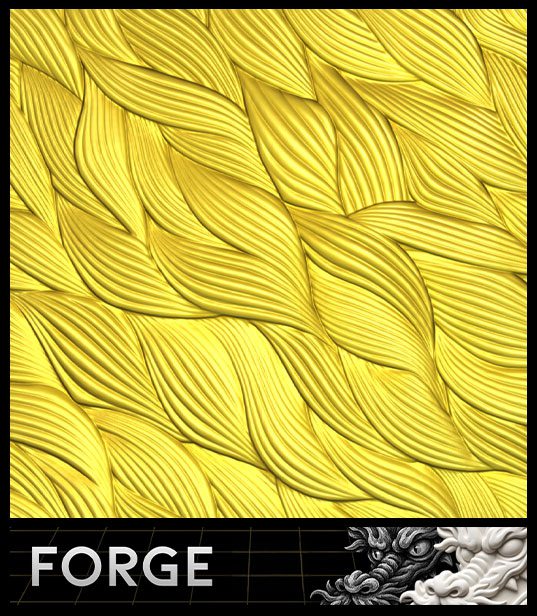
Forge reads the weave and gives every strand real thickness and overlap, turning a flat pattern into a genuinely tactile surface.
Starting from nothing but an idea…
Not every project starts with an image. Describe the subject and the scene you have in mind, and Carveco AI generates four sample images to choose from — pick the one closest to what you had in mind, then turn your selection into a 3D relief.
From there, it’s the same process: refine the result with the same intuitive slider controls, and it’s ready to use in your project.

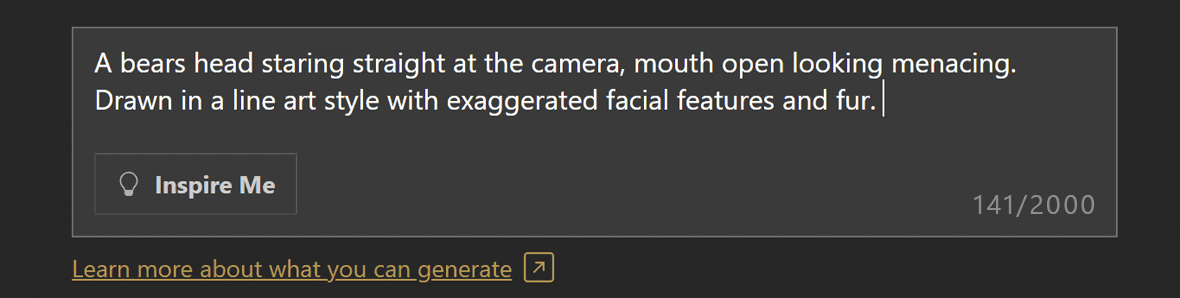
1. Enter Your Prompt
Describe your idea in up to 2,000 characters, in as much detail as you like – or leave it short for more creative possibilities…
2. Four samples generated
One credit generates four interpretations of the prompt to choose from.
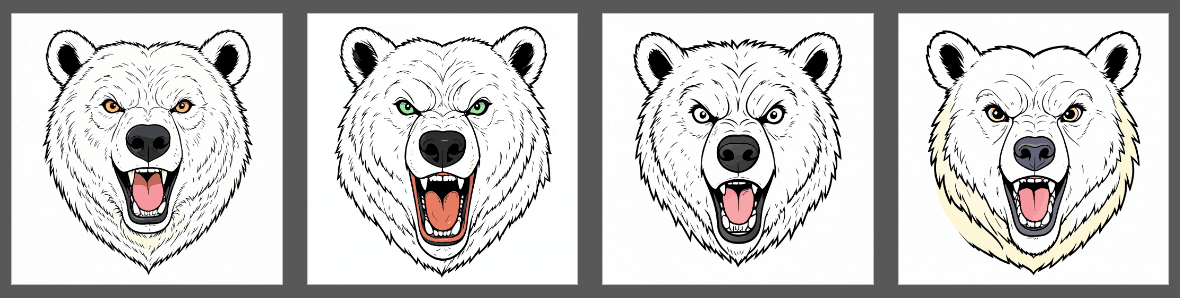
3. Pick your favourite
Pick the one closest to what you had in mind or amend your prompt to refine the results.
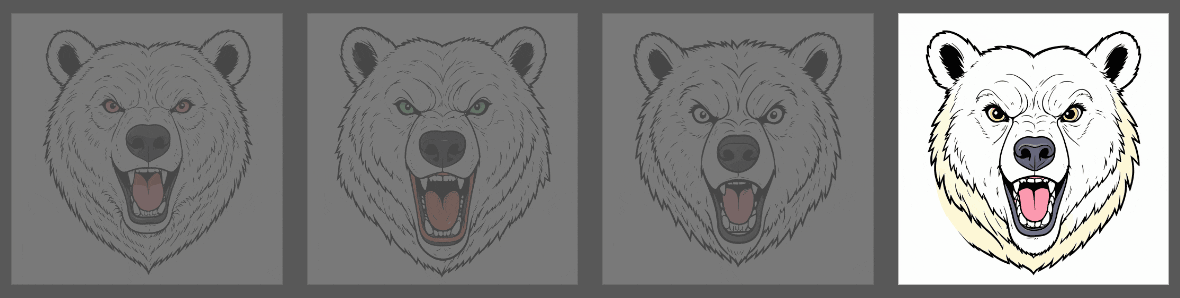
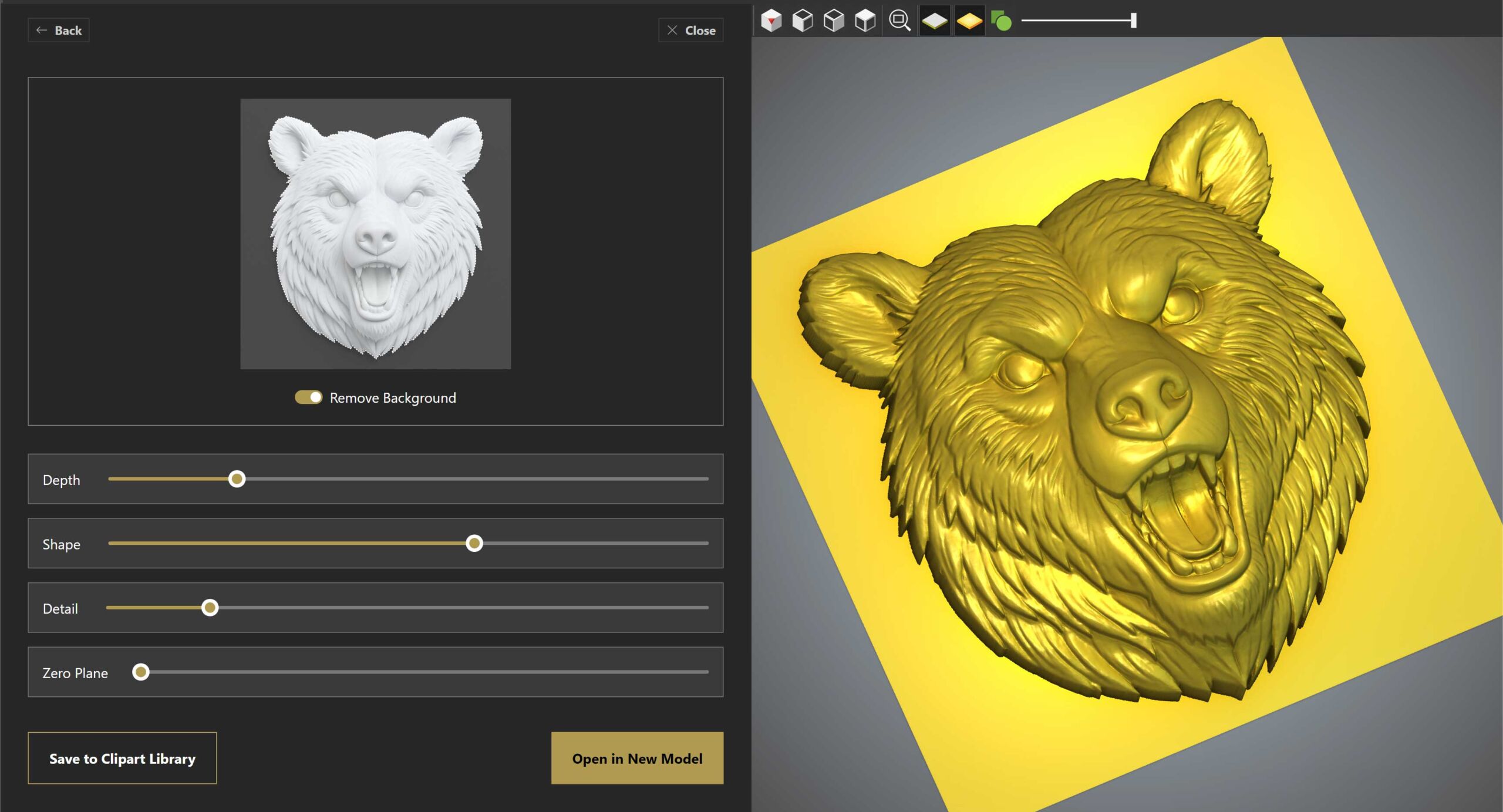
4. Refine the finished 3D relief
Generate the final relief from your chosen sample, then refine it with the same intuitive controls you’d use starting from an image — ready to open in a project or save for later.
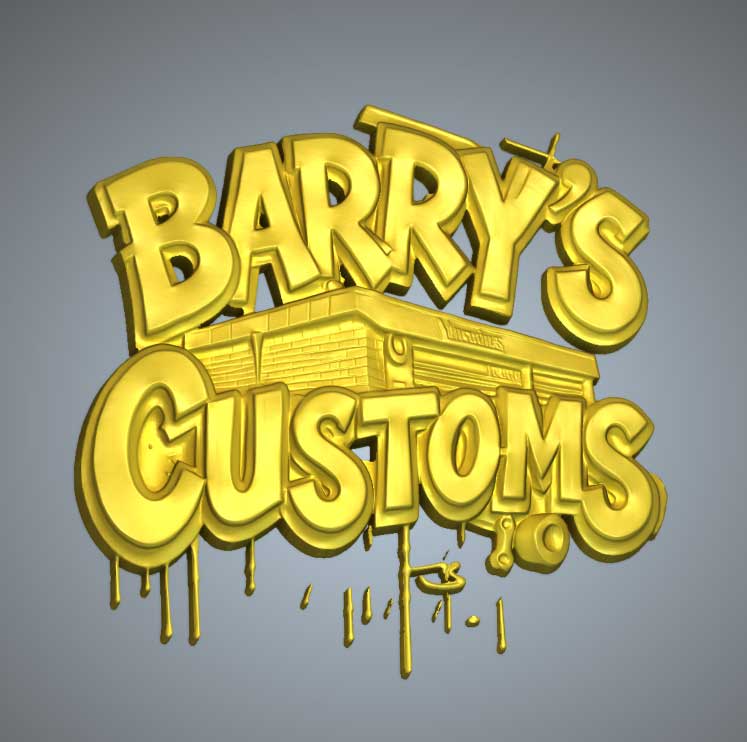
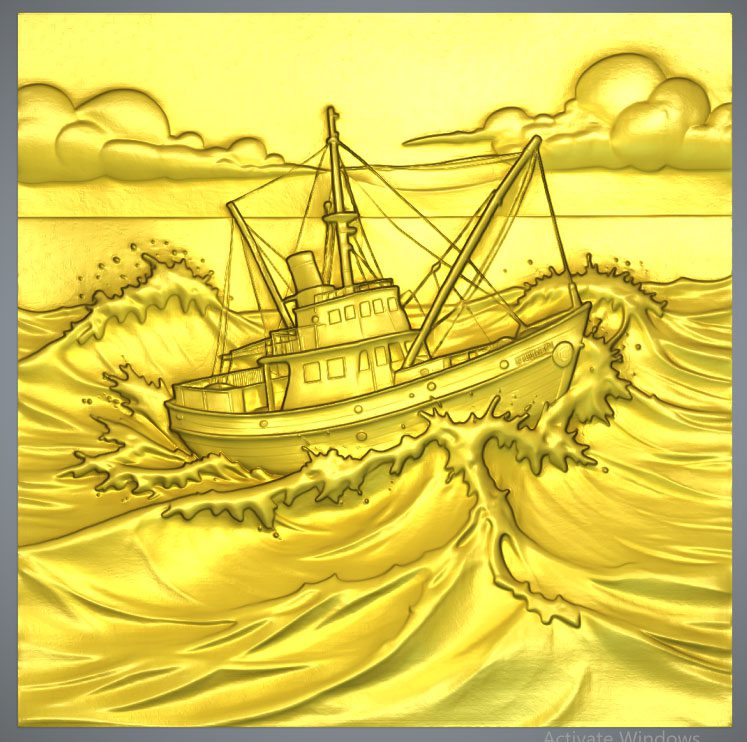
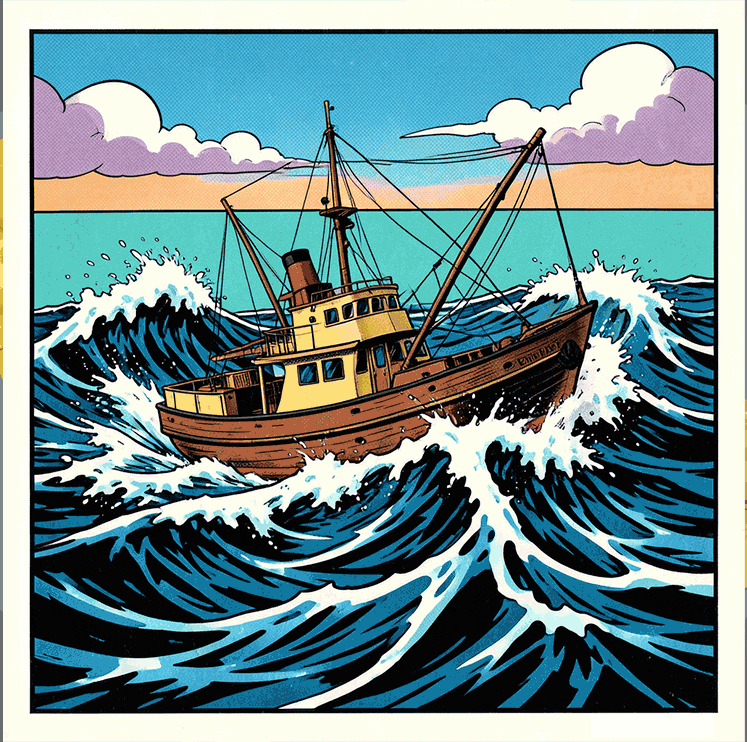
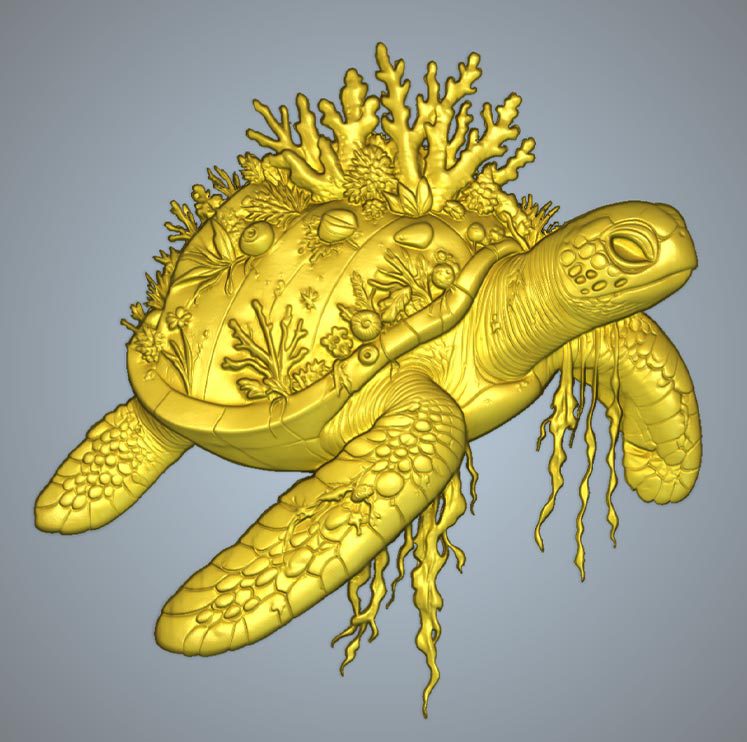
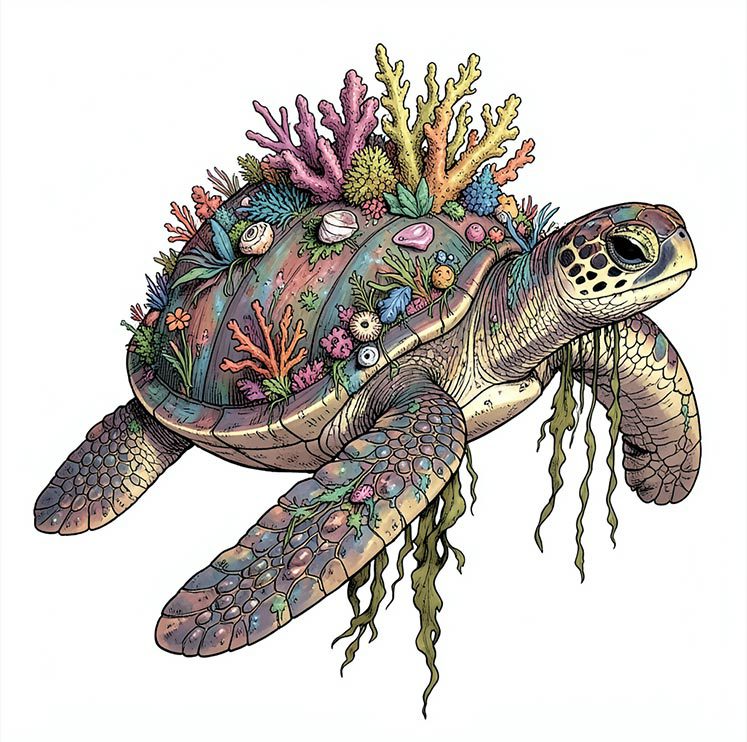
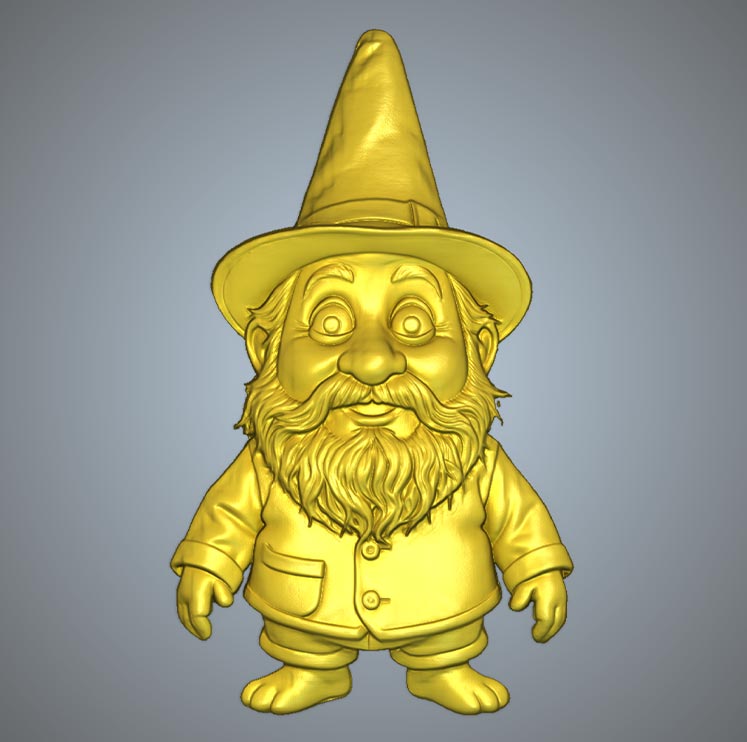
A few examples of what you can create…





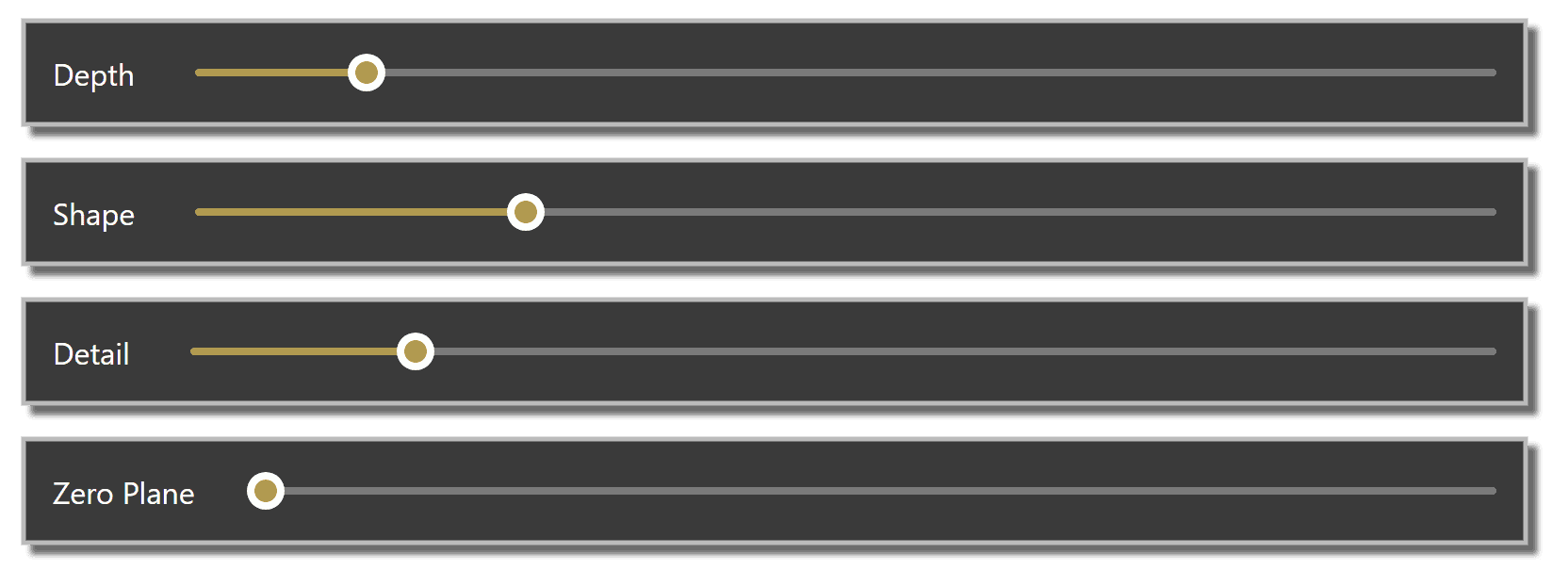
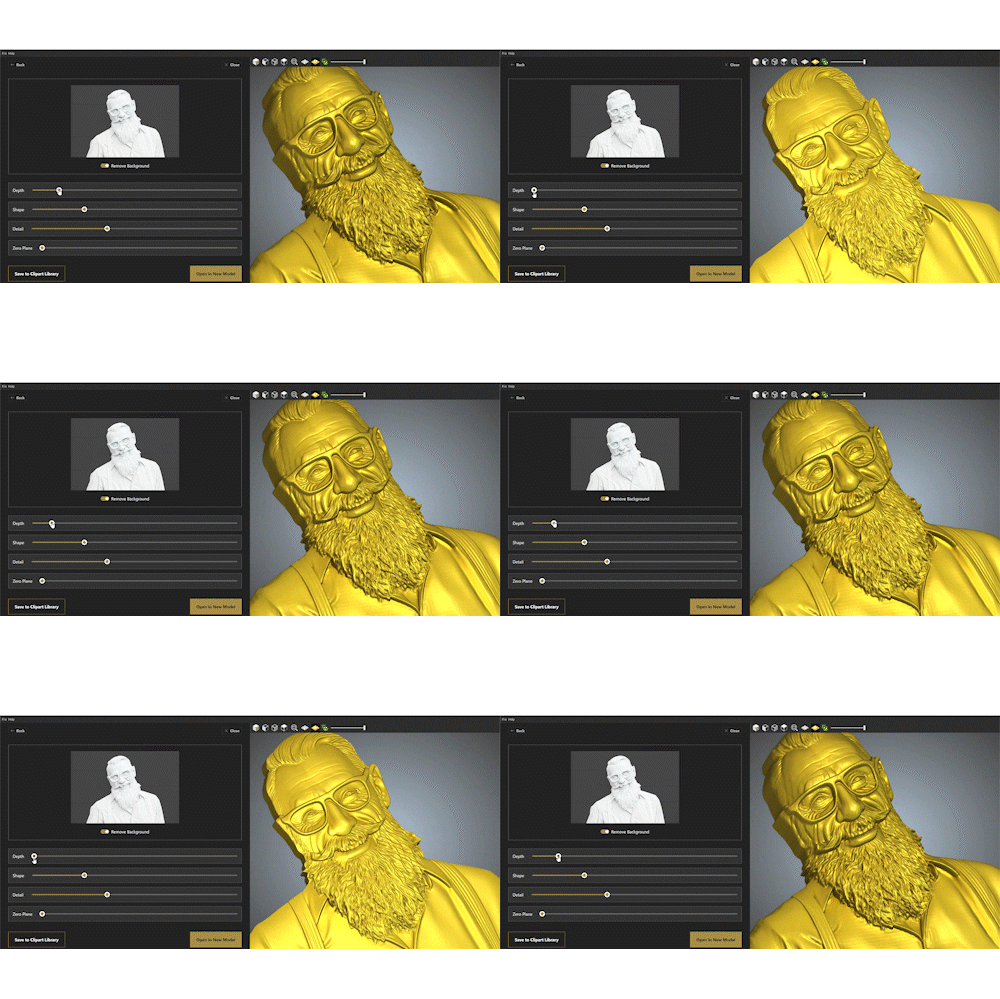
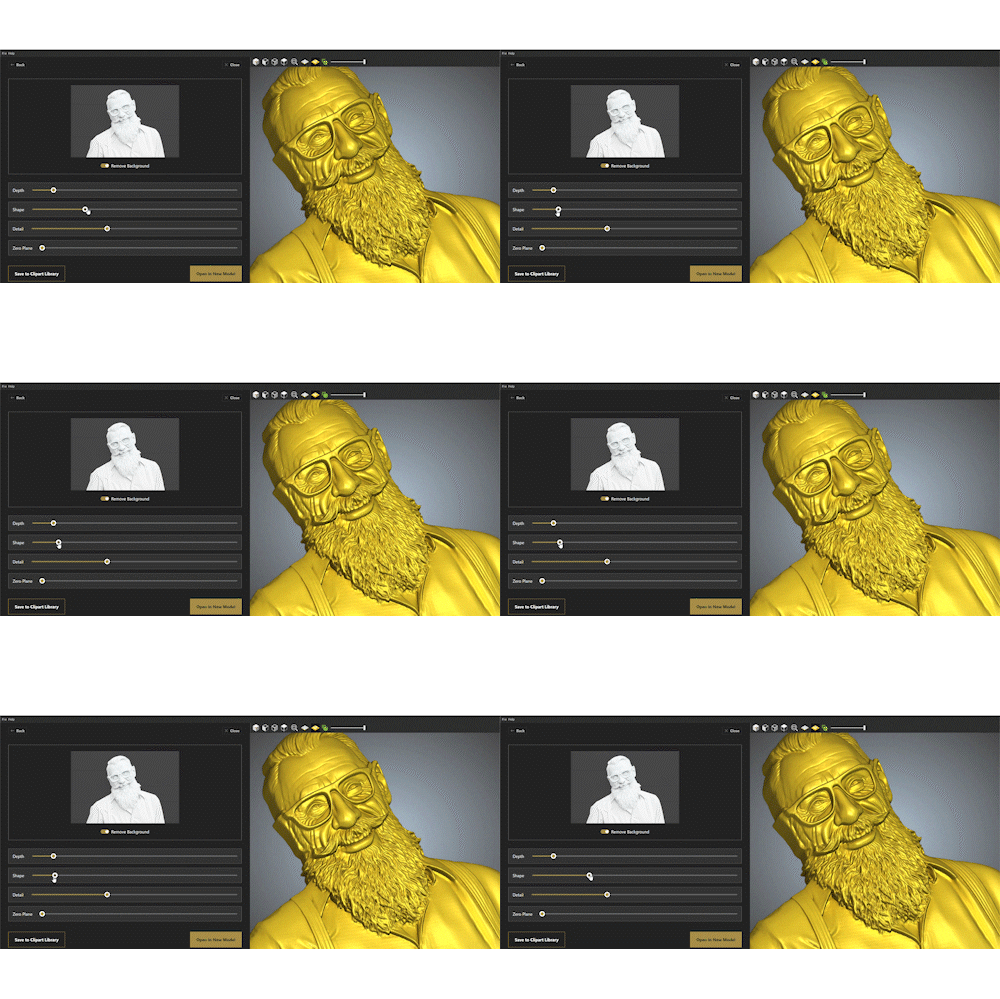
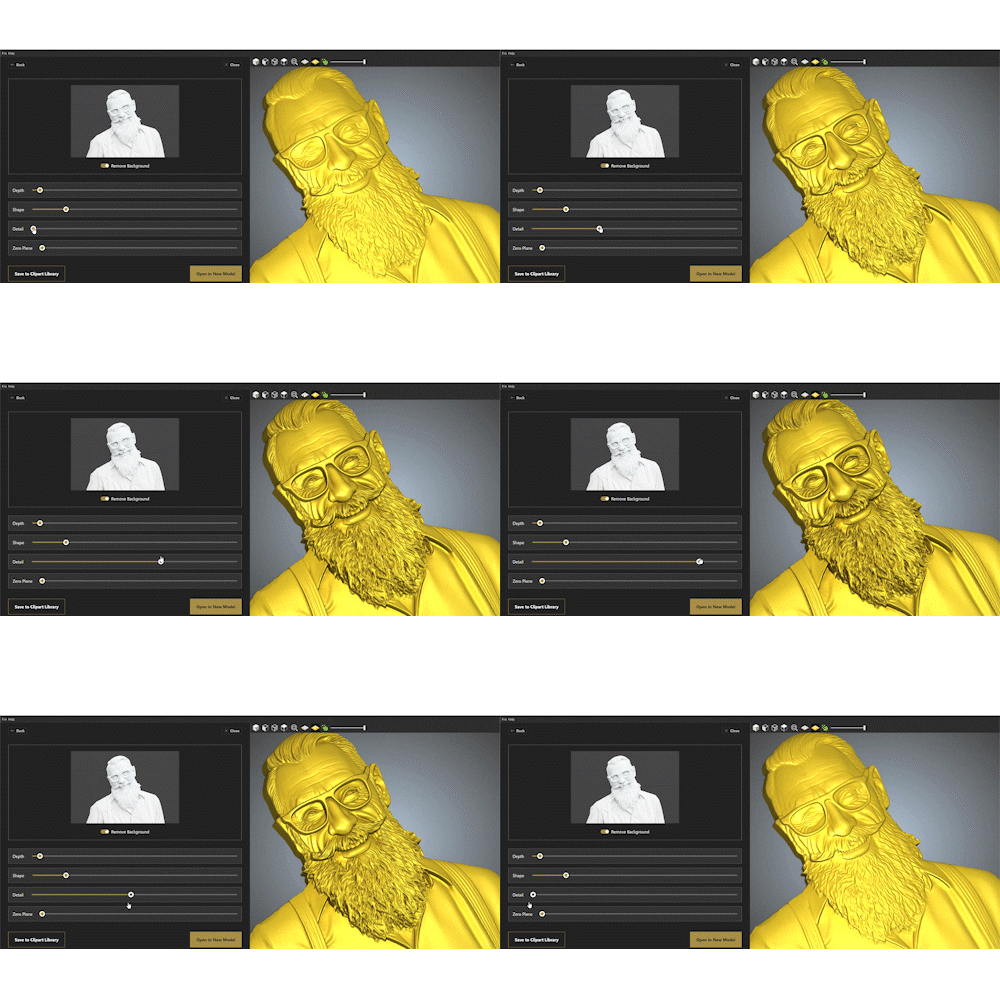
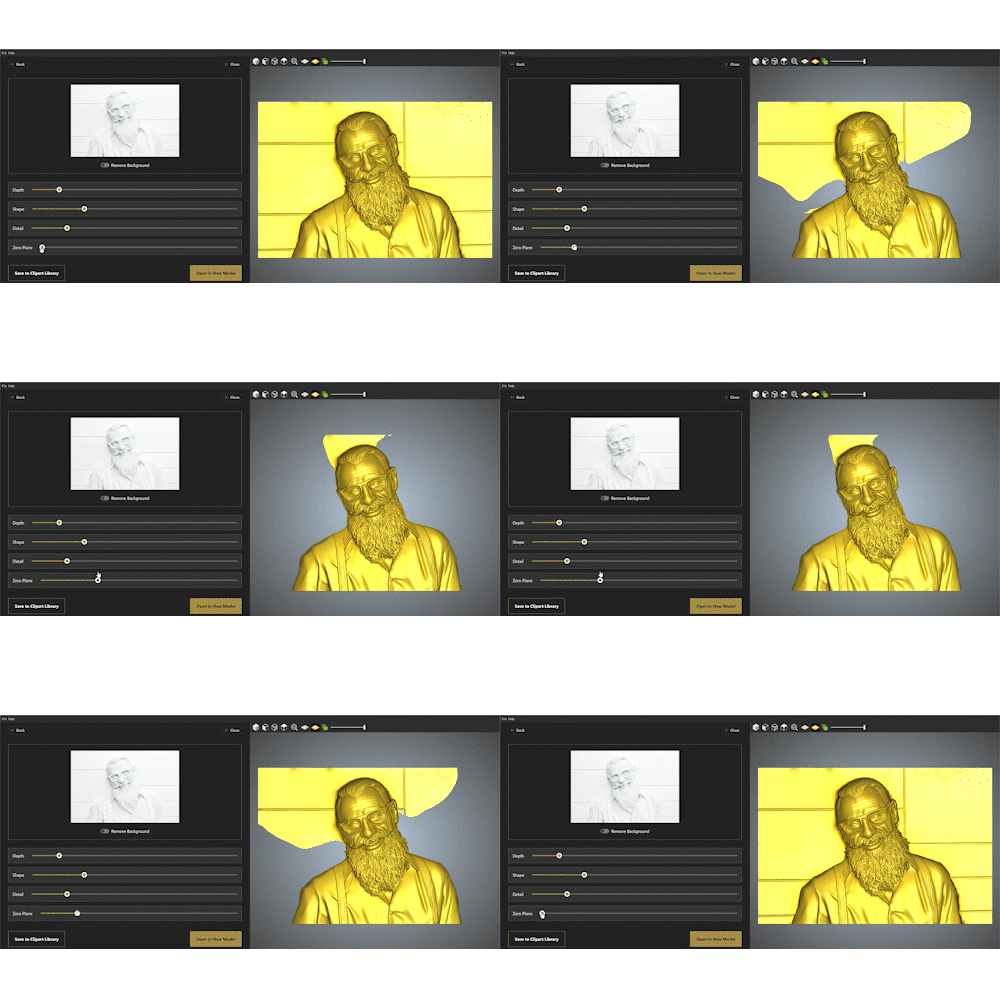
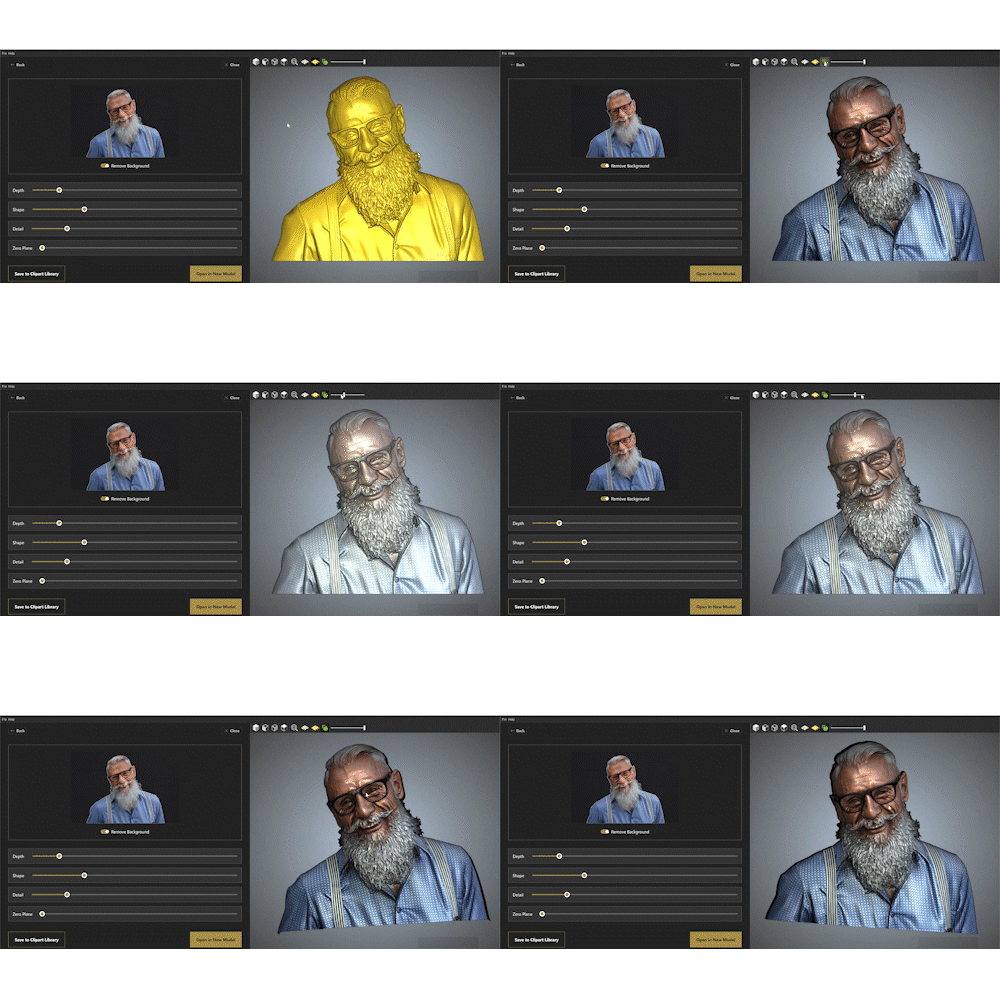
Fine-tune your designs with ease using our intuitive slider-based controls
Responsive sliders give you instant visual feedback so you can see your changes in real time. No need to wrestle with complex settings or guess at the results—simply drag, preview, and perfect your 3D relief until it’s exactly how you envisioned. It’s precision control made simple, so you can focus on creativity, not complexity.
Carveco AI Credits –
Included as standard in your subscription
Carveco AI Credits power the intelligent features built into your Carveco software—like generating 3D reliefs from text prompts or turning images into machinable designs. Each AI task uses a small number of credits based on the complexity of the job. Every Carveco subscription includes a monthly allowance of AI credits, so you can start using AI features straight away.
 |
 |
 |
|
|---|---|---|---|
| AI Credits Included monthly/yearly | 10 / 120* | 100 / 1200* | 300 / 3600* |
*Maximum allocation for accrued, unused credits per year
Need more credits?
Running low on credits? Top up any time from your Carveco Account, alongside your existing product subscription — no need to wait for your next renewal.
- AI Credit Subscriptions — a recurring monthly or annual top-up, at a discounted rate.
- AI Credit Packs — a one-off purchase, no ongoing commitment.
Monthly AI Credit Subscriptions
AI Light
Monthly Subscription
- 100 Credits / month
- $30.00 / £22.50 / €26.25
AI Standard
Monthly Subscription
- 300 Credits / month
- $15.00 / £11.25 / €13.13
AI Plus
Monthly Subscription
- 800 Credits / month
- $7.50 / £5.63 / €6.56
Annual AI Credit Subscriptions
AI Light
Annual Subscription
- 1200 Credits / year
- $90 / £67.50 / €78.75
AI Standard
Annual Subscription
- 3600 Credits / year
- $180 / £135.00 / €157.50
AI Plus
Annual Subscription
- 9600 Credits / year
- $360 / £270.00 / €315.00
AI Credit Packs
AI Light
Credit Pack
- 300 Credits
- $27 / £20.25 / €23.63
AI Standard
Credit Pack
- 900 Credits
- $76.50 / £57.38 / €66.94
AI Plus
Credit Pack
- 2400
- $192 / £144 / €168
Carveco AI: Frequently Asked Questions
About Fidelity and Forge
Fidelity and Forge are Carveco’s two AI models for turning a text prompt or an image into a 3D relief. Both models make adjustments to your source to produce a result that works properly as a physical relief — Fidelity sticks as closely as possible to the source geometry, while Forge takes a more interpretive, creative approach. Both models work towards creating 3D relief models that produce excellent machinable results.
Both models are included with every Carveco subscription product — there’s no separate purchase to access them. Generating with either model one uses credits, and every subscription includes a monthly or annual credit allowance as standard, so you’re not paying extra on top of your subscription to get started.
Fidelity reproduces your source image as accurately as possible — ideal for high-quality photos and artwork where staying true to the original geometry matters. Forge reinterprets your source into a more sculpted form, adding depth, shape and streamlined geometric elements the original may lack — ideal for lower-quality photos, paintings, sketches or an aesthetic choice where a convincing 3D relief matters more than precision.
If working with imported images, start with the quality and type of your source material. Clean, high-resolution images or photos usually suit Fidelity. Rough sketches, paintings, or lower-quality images usually suit Forge.
The same principle applies when generating from a text prompt — your chosen sample image becomes the source, so judge it the same way you’d judge an uploaded photo: a clean, detailed sample suits Fidelity, while a simpler or more stylised one suits Forge. It’s also an artistic choice — how closely you want the final relief to follow the source versus how much creative interpretation you’d like applied.
You’re not locked into your choice. If you’d prefer the other model’s result, you can generate again with it — that’s a new generation, charged at the standard credit cost, the same as any other.
No. Generating a 3D relief costs 5 credits regardless of which model you choose — Fidelity and Forge are priced identically.
Yes. You can generate 3D reliefs with Fidelity and Forge separately, and combine them — along with any other AI-generated or existing reliefs — in the same Carveco project. Once generated, you can open the model directly in a new project, or save it to your Relief Clipart Library for later.
Generating with Text or Image
Fine-Tuning and Refining your result
Four sliders — Depth, Shape, Detail and Zero Plane — plus a Remove Background toggle, all available on every generation regardless of which model you used. Fidelity generations also get a Bitmap Overlay slider, letting you view your original image as an overlay on the 3D relief model. All controls update in real time, so you can preview changes before committing to a final model.
Once imported into Carveco, the relief remains a standard model — any relief transform tools available in your product can still be applied to refine it further.
Depth raises or lowers the whole relief evenly — the difference between a bold, sculptural carving and a subtle, low-relief one. Shape works more selectively, adding contour and definition to features that already exist without changing the overall height. It’s especially effective on faces, bringing out the nose, chin and fine details like wrinkles.
A single toggle that identifies and isolates your main subject — a person, an object, an animal — and removes everything else from the relief automatically, with no manual masking or Zero Plane adjustments required. It’s especially useful for images with busy or cluttered backgrounds.
Bitmap Overlay is a slider that blends an image over the generated relief, from fully hidden to fully superimposed, so you can rotate, zoom, and check how closely the two align. With Fidelity, it overlays your original source image directly onto the final relief — a genuine accuracy check. With Forge, it overlays the intermediate sculptural form Forge builds before applying its own interpretation, rather than your original source, so it’s available but less useful as a direct accuracy comparison.
No. Once a relief has been generated, adjusting Depth, Shape, Detail, Zero Plane, Remove Background or Bitmap Overlay is free — you’re only refining a result you’ve already paid to generate.
Availability, Subscriptions and Carveco
Yes. Both models are built directly into Carveco Maker, Carveco Maker Plus and Carveco Pro. They’re not standalone applications and require an active monthly or annual subscription to access and use.
No additional purchase is required to use the AI models themselves — they’re included with every Carveco subscription product. Using them does require credits, an allowance of which is included with your subscription; additional credits can be purchased separately as one-off packs or credit subscriptions if you need more.
Not in the AI itself — Fidelity, Forge, and both generation methods are identical across all three products. The difference is in model resolution (Maker and Maker Plus cap at 2000 × 2000 points; Pro reaches 4000 × 4000) and the tools available to refine a relief afterwards, with Maker Plus and Pro offering additional sculpting and finishing tools.
Yes. Processing takes place on secure servers rather than on your local machine, which ensures high-quality results without needing high-end hardware — but it does mean an active internet connection is required while generating.
Fidelity and Forge are available across all Carveco subscription products. Perpetual licence holders should contact us to discuss access options, as these aren’t included by default.
Yes. Fidelity and Forge rely on the tools and technology available in the latest version of Carveco software, so keeping your software up to date ensures access to the newest features and improvements.
Credits and Costs
100 credits, regardless of which Carveco product you’re trialling. If your trial converts to a paid subscription, your regular allowance takes over from there, based on your product and billing term.
Monthly Carveco Subscriptions:
- Carveco Maker: 10/month
- Carveco Maker Plus: 100/month
- Carveco Pro: 300/month
Annual Carveco Subscriptions:
- Carveco Maker: 120/year
- Carveco Maker Plus: 1200/year
- Carveco Pro: 3600/year
Credits expire 365 days after issue — see “Do unused credits roll over indefinitely?” for how that works in practice.
No. Credits expire 365 days after issue and are non-refundable. Because they accrue with each billing cycle rather than arriving all at once, your balance won’t climb higher than roughly a year’s worth at any given time — for example, a monthly Maker subscriber who never uses their credits will still top out at 120, since the first month’s batch expires just as the thirteenth month’s is issued.
Unused credits linked to a cancelled subscription are cancelled at the same time. If your subscription fails to renew due to a payment issue, reach out to us through support if you’re having trouble — we provide a 7-day grace period from your subscription’s expiry, and where there’s a genuine reason for the failed renewal, your unused balance may be manually reapplied once you’ve reordered. After 7 days, remaining credits are permanently forfeited.
Credits are generally non-refundable once used, since every generation carries a processing cost. If a generation fails due to a technical issue, the credit charge is usually not processed at all — and in the rare case a credit is taken without delivering a relief, our support team can issue a refund or replacement credits. We’re not able to offer refunds based on dissatisfaction with results, since AI outcomes can vary.
No, credits can’t move between different Carveco accounts. However, if you upgrade from one Carveco product to another, your remaining credit balance carries over to the upgraded subscription.
Yes. The AI Light, AI Standard and AI Plus tiers — available as both credit subscriptions and one-off packs — come at a reduced price per credit the larger the tier, making the tools more cost-effective for frequent or commercial use, while smaller packs remain available for occasional users.
These are available to purchase within your Carveco Account.
Any time, from within your Carveco Account — either as a one-off AI Light, AI Standard or AI Plus Credit Pack, or as an AI Credit Subscription for an automatic monthly or annual top-up.
No. Every generation carries a real processing cost, so credits are managed through flexible subscriptions and packs rather than an unlimited plan.
